Your own song library, or search online — either way, on screen in a click.
Steps
1Open Lyrics in the sidebar.
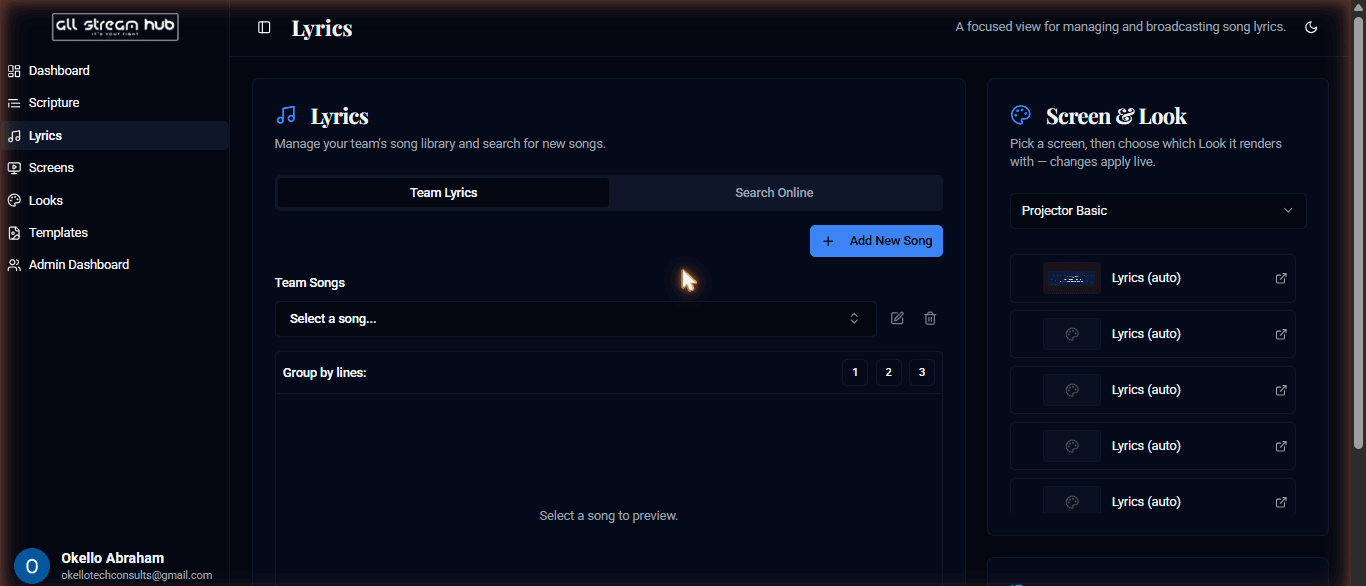
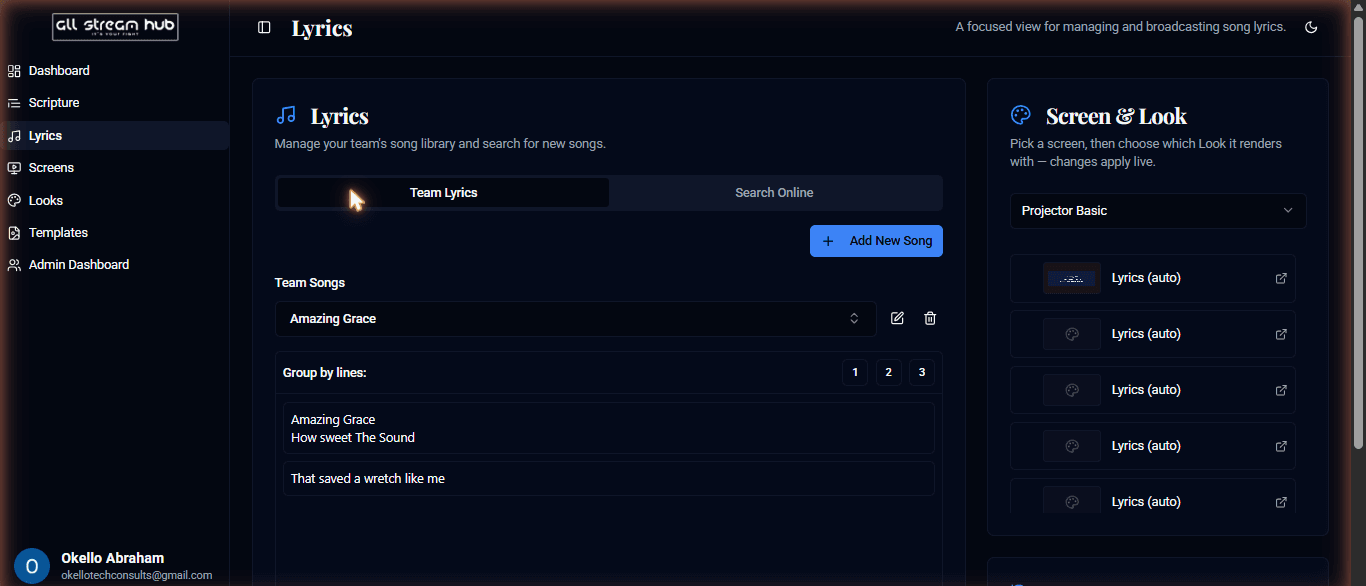
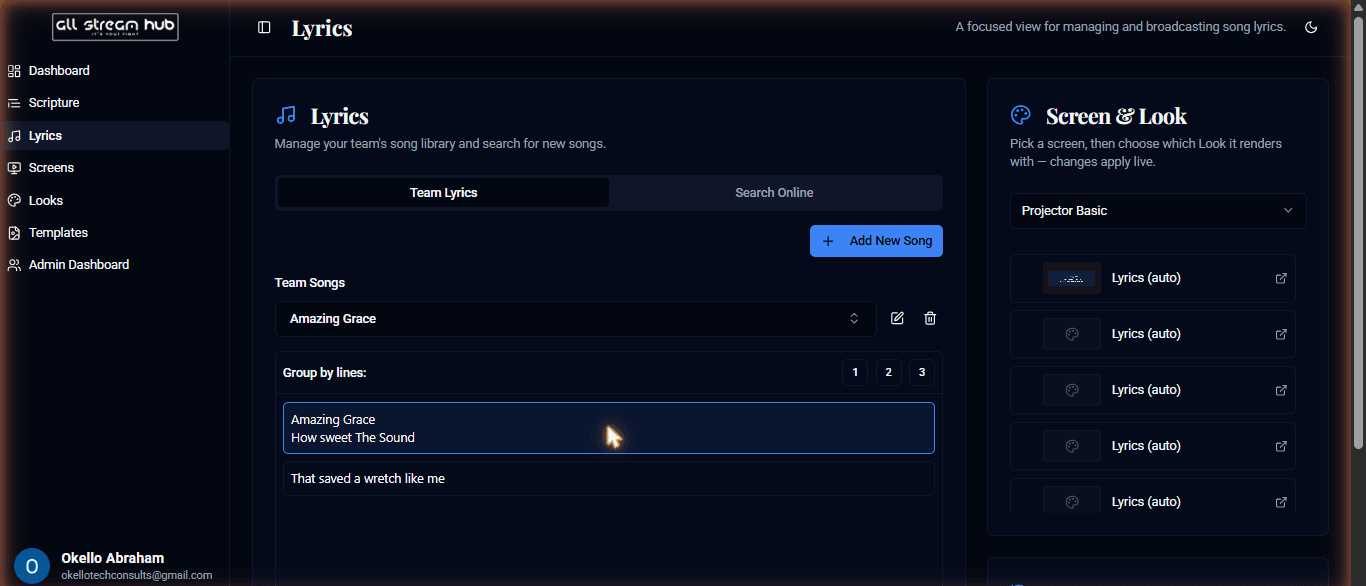
2Under Team Lyrics, select a song from your library, choose how many lines to group per screen, then select a stanza to broadcast it.
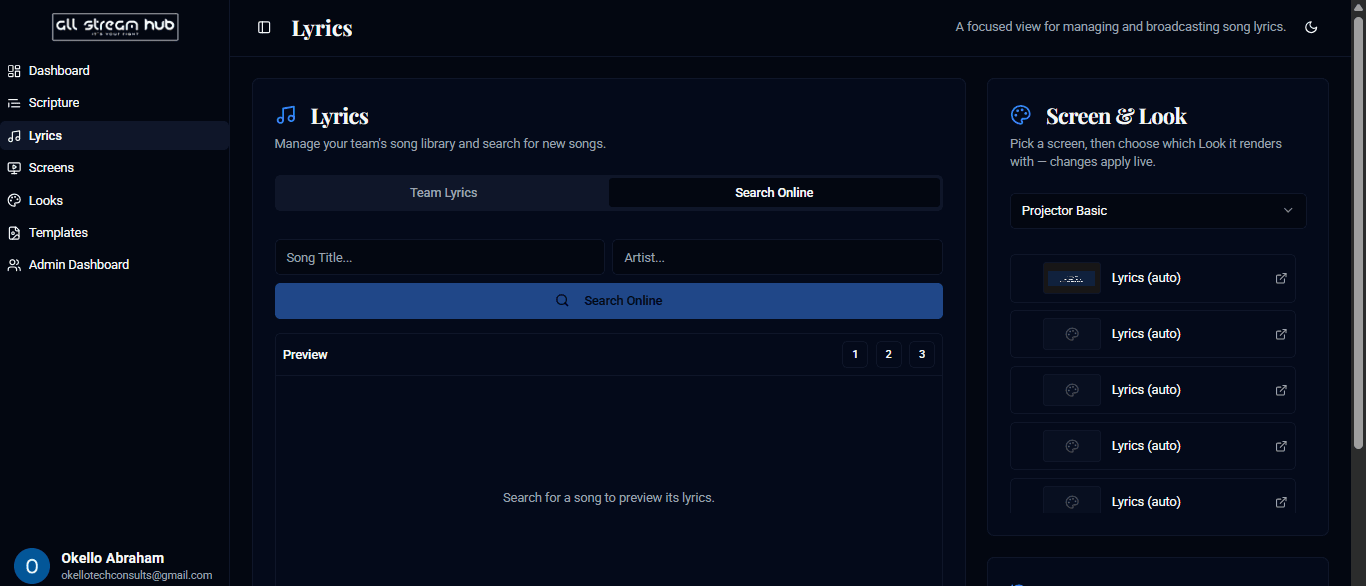
3Switch to Search Online to find lyrics from a large online database by song title and artist — save any result straight into your team's library.
4Select + Add New Song to add lyrics manually.
Screenshots
The Team Lyrics libraryA song opened, showing its stanzasA stanza highlighted after being broadcastThe Search Online tab for finding lyrics
Transcript
The Lyrics page works a lot like Scripture. Under Team Lyrics, pick a song from your library, choose whether you want one, two, or three lines per screen, and click any stanza to send it live — it highlights the same way a broadcast verse does. Don't have the song yet? Switch to Search Online, look it up by title and artist, and save it straight into your team's library for next time.
Ready to Go Live?
Add professional scripture, lyrics, and lower-thirds to your livestream with AllStreamHub — free to start.