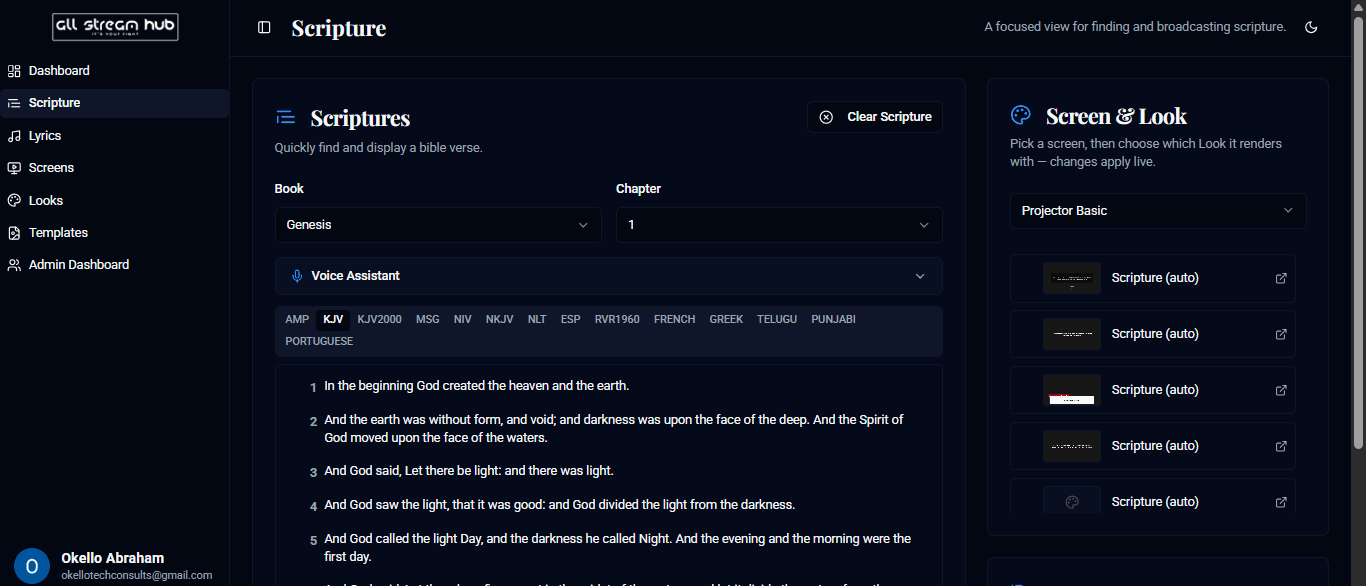
1Open Scripture in the sidebar (or the Scriptures card on the Dashboard).
2Pick a Book and Chapter, and choose a translation — KJV, NIV, MSG, and many more are available as tabs.
3Select a Screen & Look on the right so AllStreamHub knows where to send content.
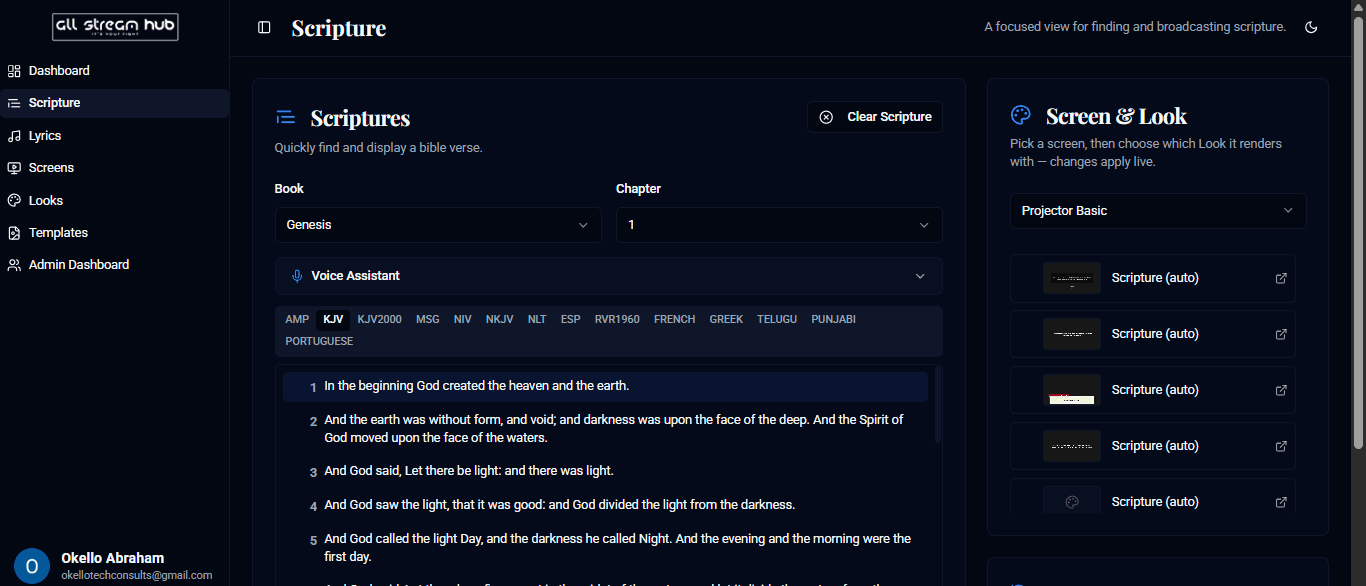
4Select any verse to broadcast it instantly — the verse highlights to confirm it's live.
5Select Clear Scripture to take it off screen.
Screenshots
The Scripture page with book, chapter, and translation pickersA verse highlighted after being broadcast
Transcript
Broadcasting scripture is built to be fast in the middle of a live service. Pick a book and chapter, choose your translation from the row of tabs, and once you've told AllStreamHub which screen and Look to target, just click any verse. It highlights immediately to confirm it's live on screen. When you're done, Clear Scripture takes it down in one click.
Ready to Go Live?
Add professional scripture, lyrics, and lower-thirds to your livestream with AllStreamHub — free to start.